
Maths — No Problem! Customers
If you’re seeing an Access Restricted message when trying to open content, it usually means your account doesn’t have the right permissions yet.
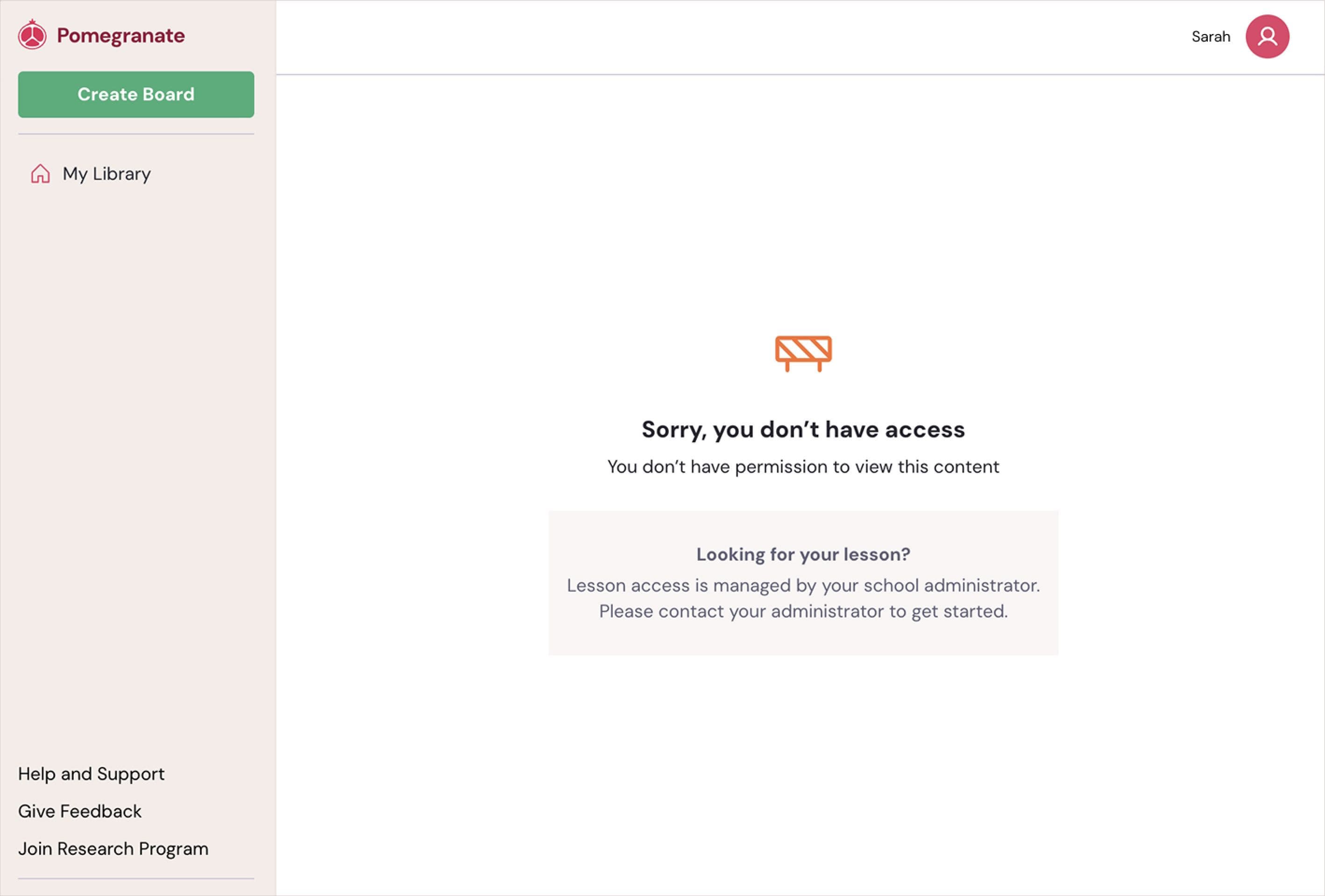
If you arrived here through a publisher platform (for example, by clicking from another app or learning portal), please note that Pomegranate is a separate application. Publishers host their content on Pomegranate's platform, but they do not share your account information with us.
Make sure:
- You have created a Pomegranate account
- You have been invited to your school's subscription by an administrator
Creating a Pomegranate Account
- If you haven't already, create a brand new account through the sign up page. We recommend you sign up with your school-issued email.
- After successfully signing up, you'll be asked to log in using your email and password credentials.
Getting invited to a school subscription
Teachers
If you’re a teacher, contact your school administrator to gain viewing access.
- Please ask to get invited to your school’s Pomegranate subscription with the same email address you just signed up with.
- Once they have sent the invite, you’ll receive this emailed invite in your inbox (please check your spam folder as well).
- Click "Accept Invite".
- If you have already created your account, look for the option to "Sign In". Otherwise, this is your opportunity to create an account using your school-issued email.
- For security reasons, you'll be prompted one more time to confirm that you are joining under the correct email address.
- You'll be taken back to the main Pomegranate page with new links added to your left-hand navigation bar.
School Administrators
If you’re an administrator setting up your school for the first time, follow our step-by-step guide.
➡️ Setting up your school on Pomegranate
Still need help?
If you’re unsure which case applies to you, contact our support team and include:
- The email address you’re having trouble with
- The name of your school
We’ll help you get back in quickly.