
This guide will help you understand the main areas of Pomegranate and where to find key features.

1) Main menu
- Create Board (green button): Quickly start a new personal board from anywhere on Pomegranate.
- Dashboard: Quickly jump back to your most recent work.
- My Library: Access all your personal boards and folders.
- Publisher Resources: Browse lessons and materials shared by publishers (if you have a personal or school subscription)
2) Support and Feedback
- Help and Support: Access help articles and start a customer support ticket for technical issues.
- Give Feedback: Send your ideas, suggestions or feedback directly to the Pomegranate team.
- Research Program: Join Pomegranate’s research program to provide early input on product development.
3) Account Settings
- Click the icon with your name to open the dropdown menu.
- From here, you can:
- Edit Profile (change your name, email or password)
- Change Account Settings (like account-level currency and email preferences)
- Access School Subscription Settings (if you’re an admin)
- Sign out
Dashboard
This is the first page you see every time you sign in.
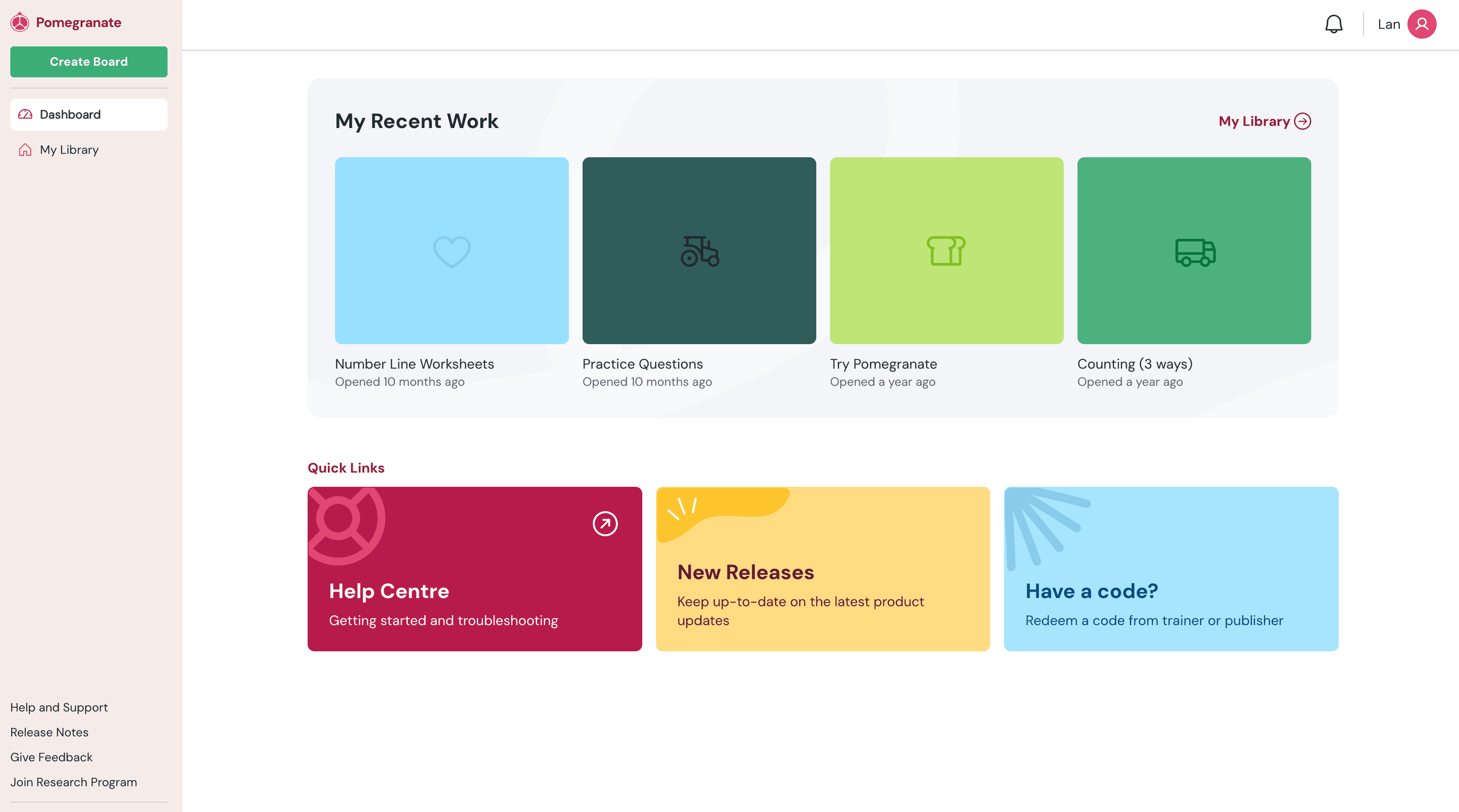
All users:
- Recent Work: access four of your last opened boards
- Quick links: Jump to the help centre, read about the latest feature releases, and redeem trainer codes
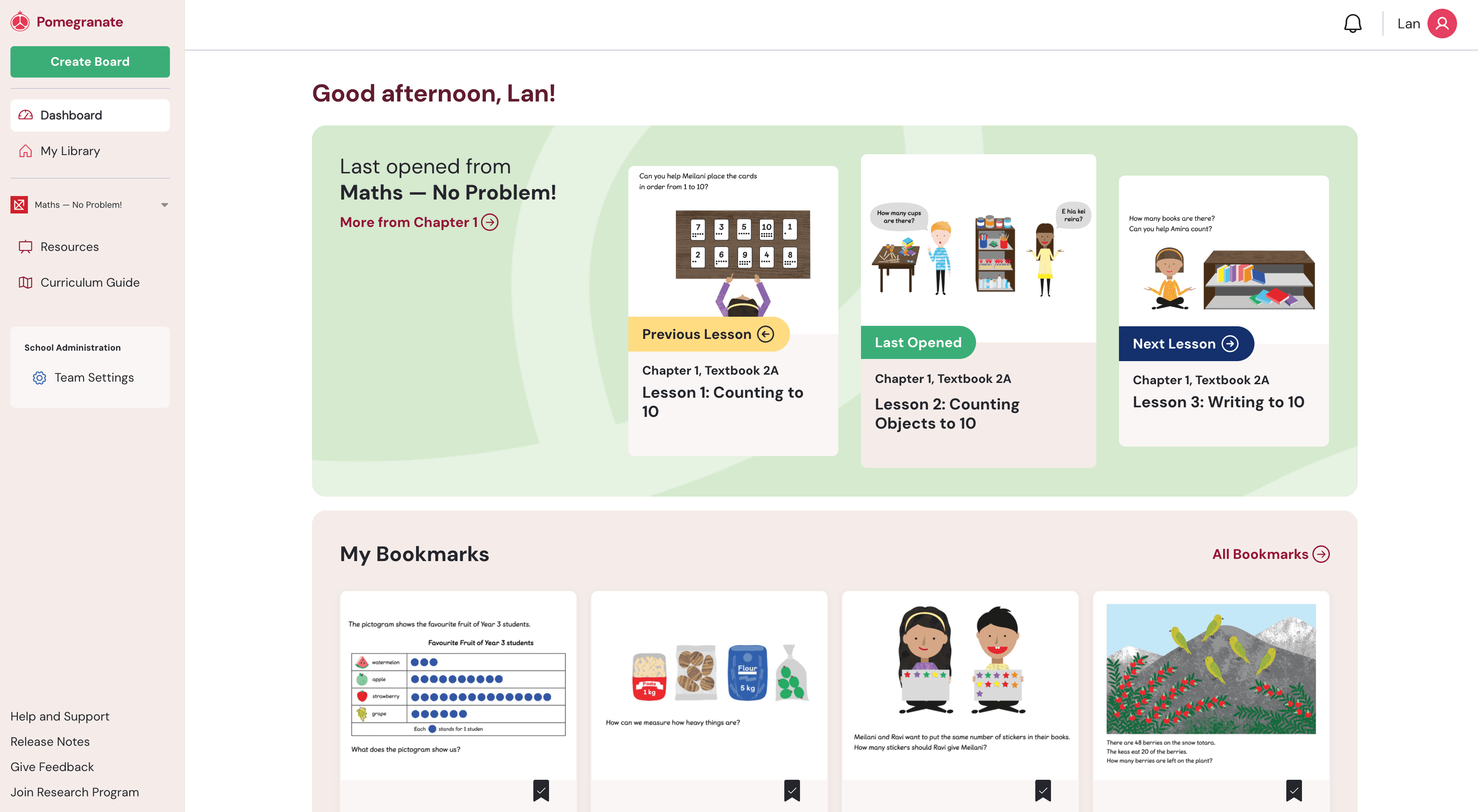
If you are part of a school subscription, you will see two additional sections at the top of the [age:
- Last Opened: Jump back into the last lesson you worked on
- My Bookmarks: Bookmark any lessons of interest and they will appear here
My Library

- Organize Your Boards: Create folders, create new boards, and drag or move boards to organize them as you like.
- Everything you create or save is stored here for easy access.