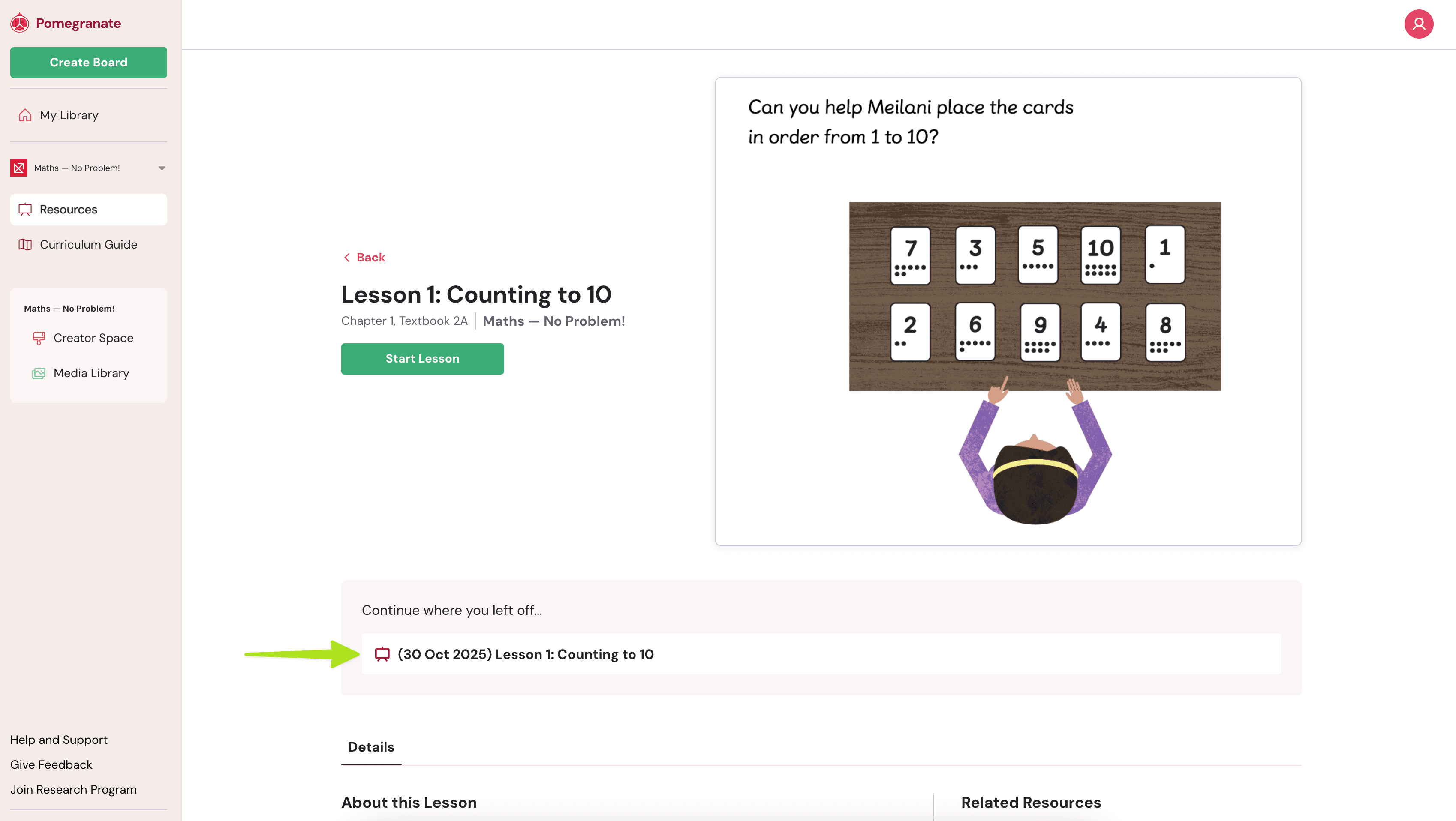
When you access publisher content on Pomegranate, you’ll see both lessons and sessions. Here’s how they work and how to navigate between them.
Publisher Lessons
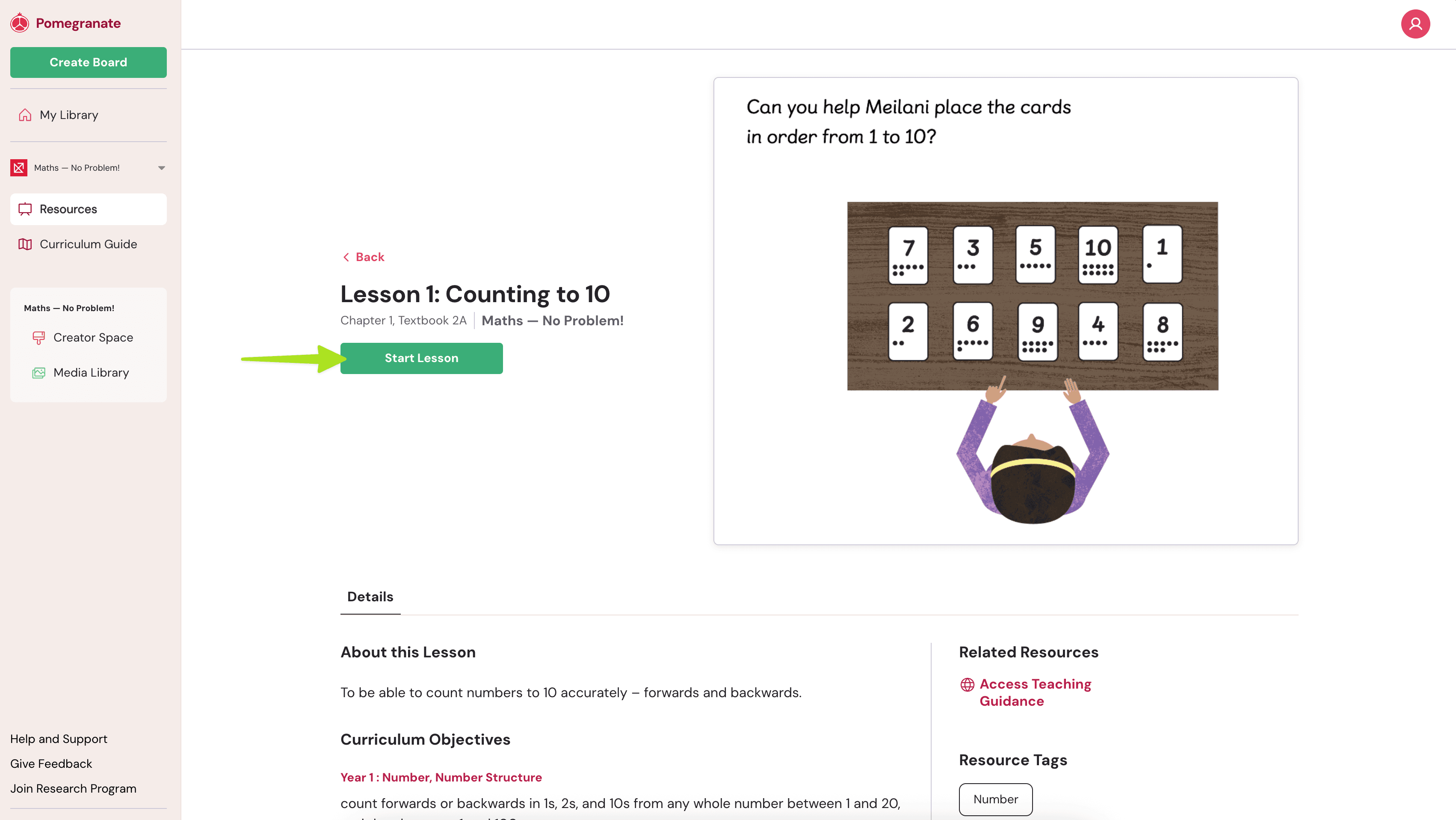
A lesson is the original teaching resource created and shared by a publisher. You can browse and preview these lessons from your publisher’s library. To open the lesson:
- Navigate to the publisher’s Resources.
- Select a lesson of interest.
- Click "Start Lesson" to begin using it.
- This will automatically start a new session.
Sessions
Once you click "Start Lesson", Pomegranate automatically creates a new session based on that publisher’s lesson. A session is your own editable copy of the lesson — you can modify, annotate, or personalize it to teach your class.
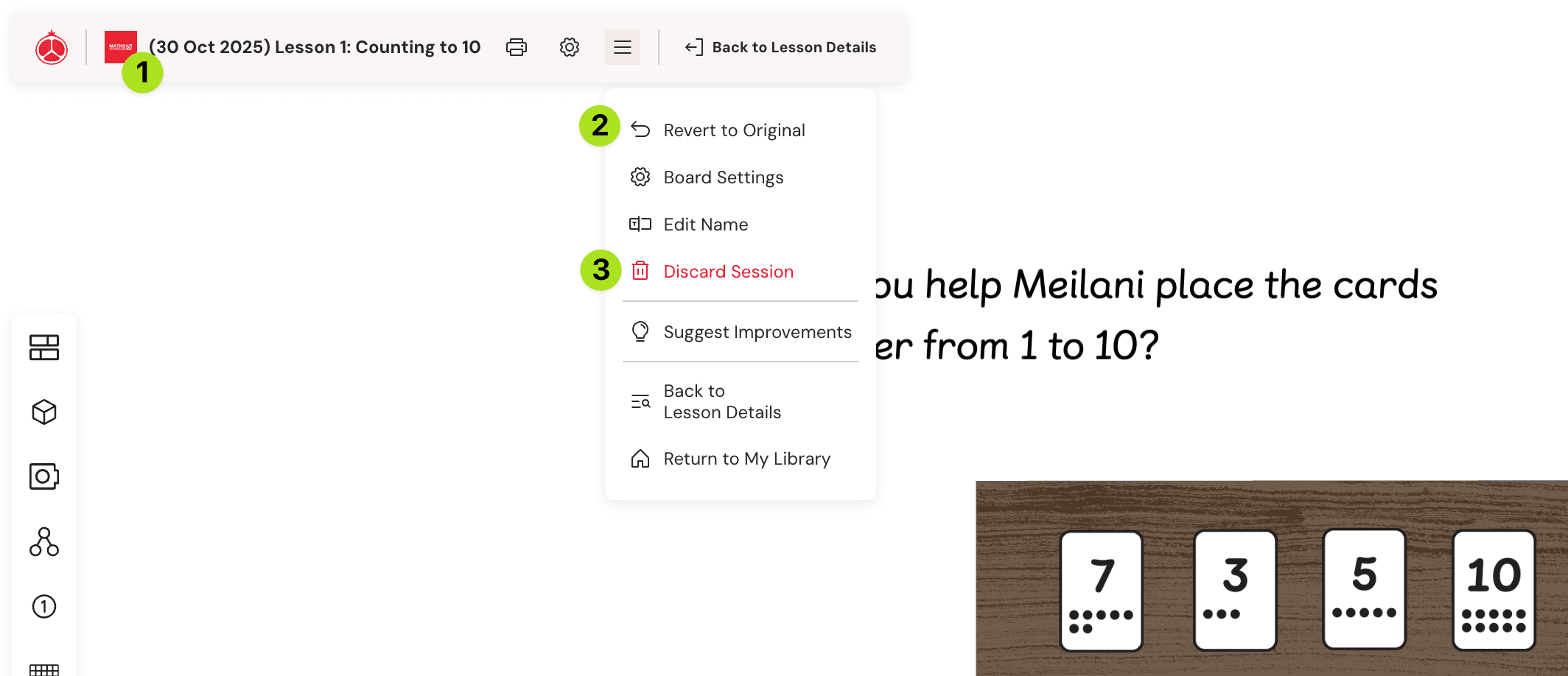
- Today's date will automatically appears before the Lesson Title (you can of course rename it!)
- You have the ability to revert the lesson back to the original lesson's state
- You can discard your session and it won't affect the original lesson
After you finish or save your work, go back to the lesson details page to see a list of all your sessions linked to that lesson.